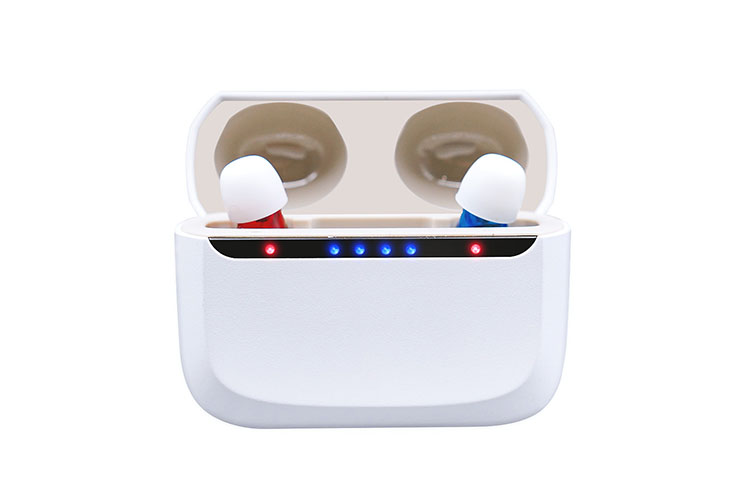
Your hearing aids won’t connect? You’re not alone. I help fix these problems every day.
Let me show you how.
Why Your Bluetooth Hearing Aids Matter
Bluetooth hearing aids make life better. They let you hear phone calls. You can enjoy music. TV sounds come right to your ears.
But what happens when they stop working?
You miss calls. Music won’t play. You feel stuck.
I get it. These problems hurt. They make you mad. Sometimes you want to give up.
Don’t worry. I’ll help you fix them.
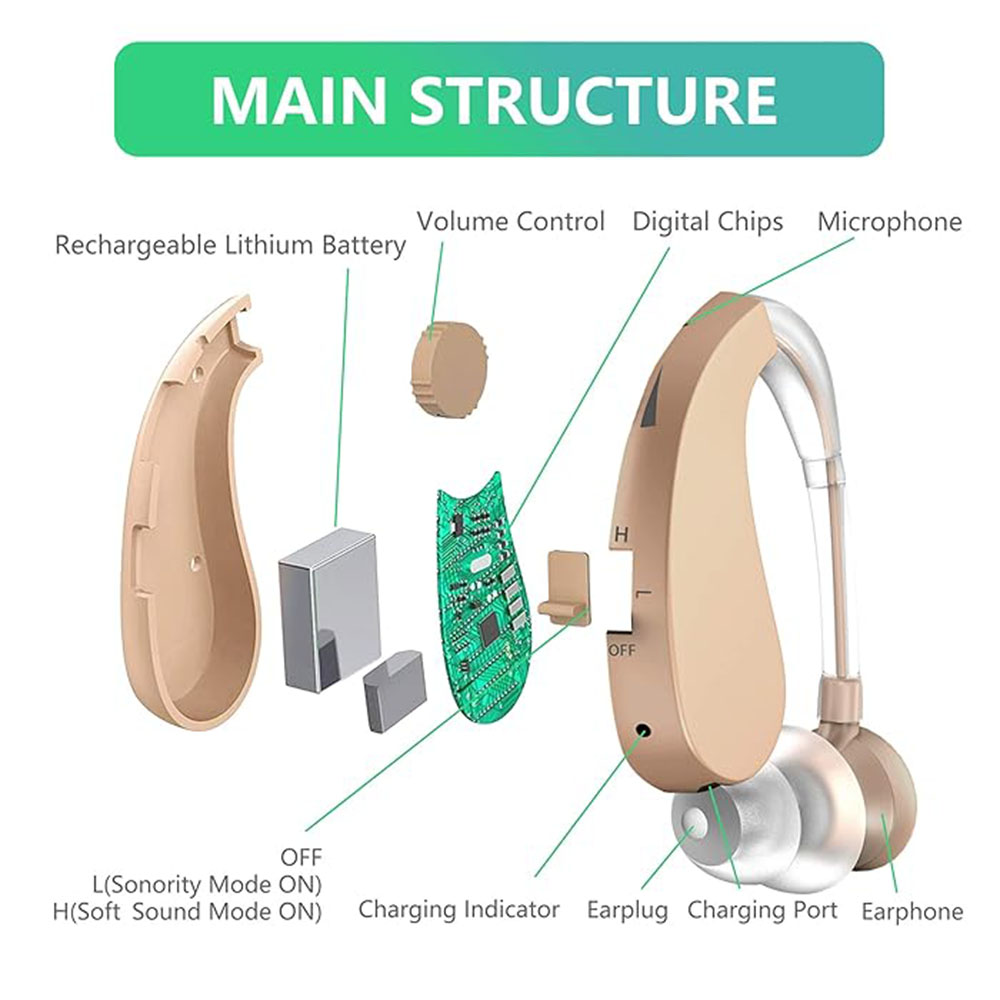
Common Problems You Face
Here’s what goes wrong most often:
- Hearing aids won’t pair with your iPhone
- Your Android phone can’t find them
- Sound keeps cutting out
- Volume is too low
- Only one aid connects
- The app won’t work
- Battery dies fast
- Connection drops all the time
Sound familiar? Let’s fix these problems now.
Quick Fixes That Work
Check These First
Step 1: Look at Your Battery
Low battery means bad Bluetooth. Here’s what to do:
- Check if aids are charged
- Replace old batteries
- Clean battery contacts
- Try new batteries
Step 2: Turn Bluetooth On
This seems simple. But we forget. Check both:
- Your smartphone Bluetooth
- Your hearing aid Bluetooth
Step 3: Restart Everything
Turn off your:
- Hearing aids
- Phone or tablet
- Wait 30 seconds
- Turn them back on
This fixes many problems. Try it first.
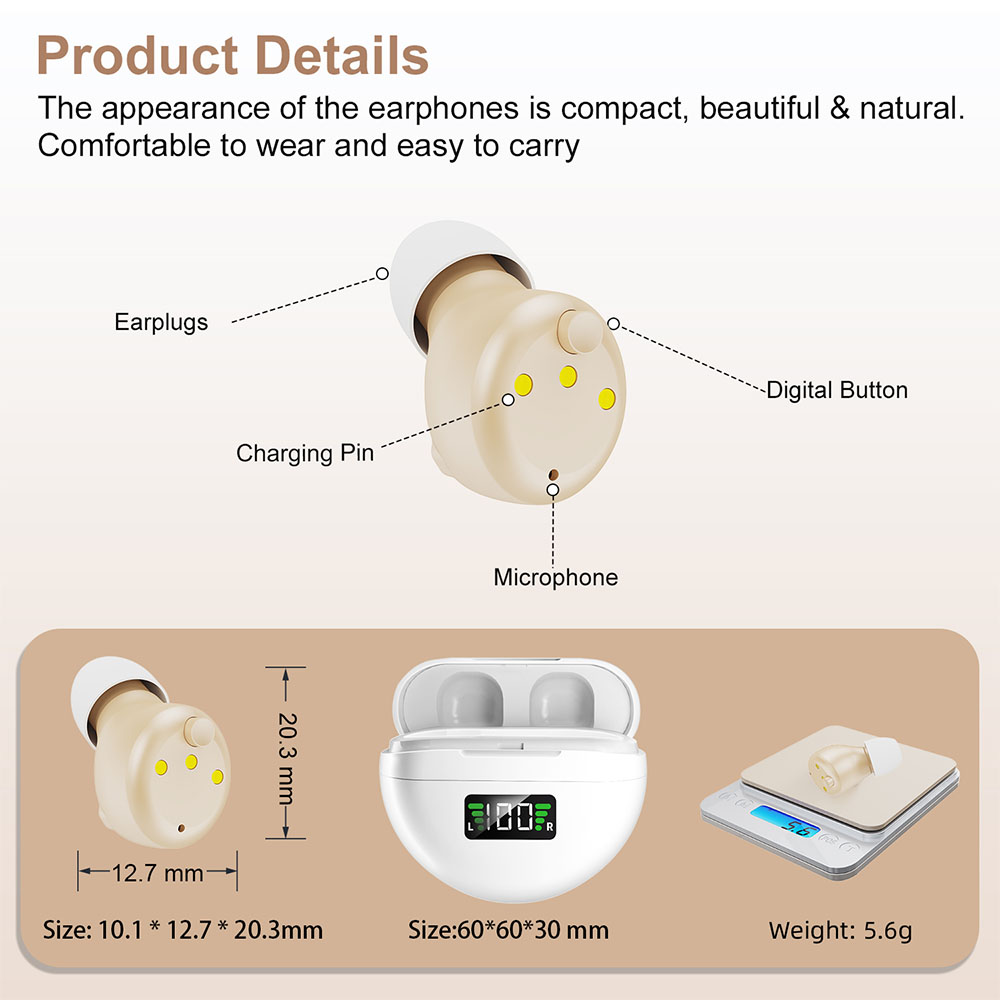
Pairing Problems? Do This
Your aids won’t pair? Follow these steps:
- Forget the old connection
- Put aids in pairing mode
- Search for them again
- Connect one at a time
Here’s a helpful table:
| Device | How to Forget | Time Needed |
|---|---|---|
| iPhone | Settings > Bluetooth > (i) > Forget | 30 seconds |
| Android | Settings > Bluetooth > Gear icon > Unpair | 30 seconds |
| Tablet | Same as phone | 30 seconds |
App Issues? Try These
Your hearing aid app not working? Do this:
- Update the app now
- Check app permissions
- Delete and reinstall
- Check for firmware updates
Most apps need these permissions:
- Bluetooth access
- Location services
- Microphone use
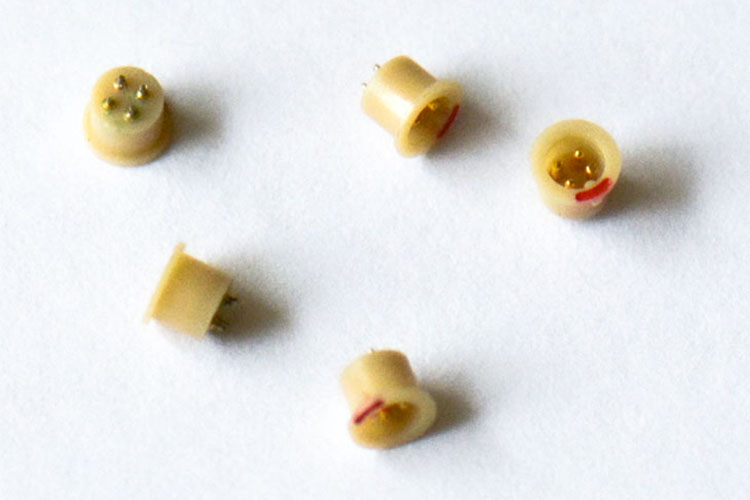
When Simple Fixes Don’t Work
Sometimes you need more help. That’s okay.
Check for Interference
Other devices can block your signal. Move away from:
- Wi-Fi routers
- Microwaves
- Other Bluetooth devices
- Computers and laptops
Keep your phone close. Bluetooth range matters. Stay within 30 feet.
Update Your Firmware
Old firmware causes problems. New updates fix them.
How to update:
- Open your hearing aid app
- Look for “Updates”
- Follow the steps
- Wait for completion
Important: Don’t stop updates halfway. This can break your aids.
Hardware Problems
Sometimes aids break. Look for:
- Water damage
- Wax buildup
- Physical damage
- Worn parts
Can’t see the problem? An audiologist can help.
Real Stories From Real People
| Problem | User Experience | Solution |
|---|---|---|
| Disconnections | “My aids disconnect 5 times daily” | Updated firmware – fixed! |
| Low volume | “Can’t hear streaming audio” | Changed Bluetooth codecs |
| One aid works | “Right aid won’t connect” | Reset both aids |
| App crashes | “App stops every call” | Reinstalled app |
Prevention Tips That Save Money
Keep aids working longer:
- Clean them daily
- Store them safely
- Keep them dry
- Update regularly
- Handle with care
Good care means fewer problems. Fewer problems mean happy ears.
Why Choose Quality Matters
I make digital hearing aids in China. For over 10 years, we’ve built reliable Bluetooth Hearing Aids with the latest tech.
Our factory uses:
- Advanced DSP chips
- Latest Bluetooth 5.2
- ISO-certified processes
- Quality microphones
- Strong batteries
We produce 3 million units yearly. Each one tested. Each one reliable.
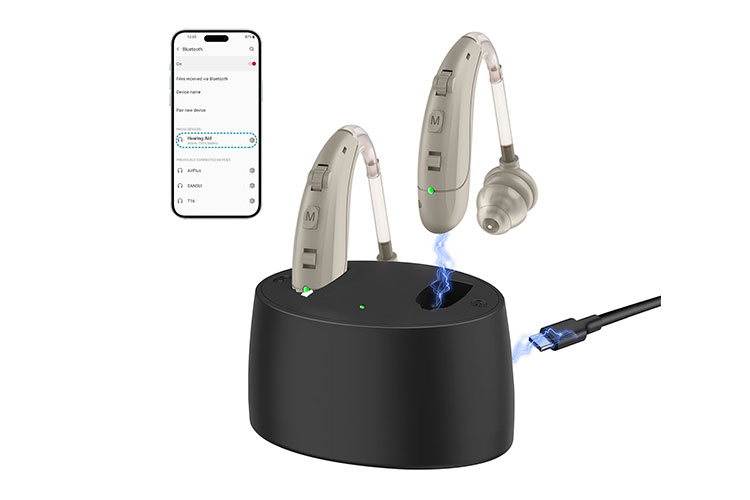
Want aids that connect easily? Our APP Control Hearing Aids work with all smartphones. They support MFi for iPhone. They use ASHA for Android.
Advanced Solutions for Tough Problems
Multiple Device Issues
Connecting to many devices? Try this:
- Set device priority
- Connect one at a time
- Use auto-connect wisely
- Manage simultaneous connections
Codec Problems
Bluetooth codecs affect sound. Different aids use different ones:
- SBC – basic, works everywhere
- AAC – better for Apple
- aptX – great for Android
Check your aid’s specs. Match with your device.
Professional Help
Can’t fix it yourself? That’s fine. Audiologists help with:
- Compatibility checks
- Hardware repairs
- Warranty claims
- Remote monitoring
- Telehealth support
Professional help costs $100-$300. But it’s worth it.
Smart Features You Should Know
Modern aids offer:
- Geotagging to find lost aids
- Remote controls for easy changes
- TV streamers for better watching
- Remote microphones for meetings
- Noise reduction for crowds
- Directional microphones for focus
- Feedback cancellation to stop squealing
- Hearing tests through apps
- Tinnitus relief programs
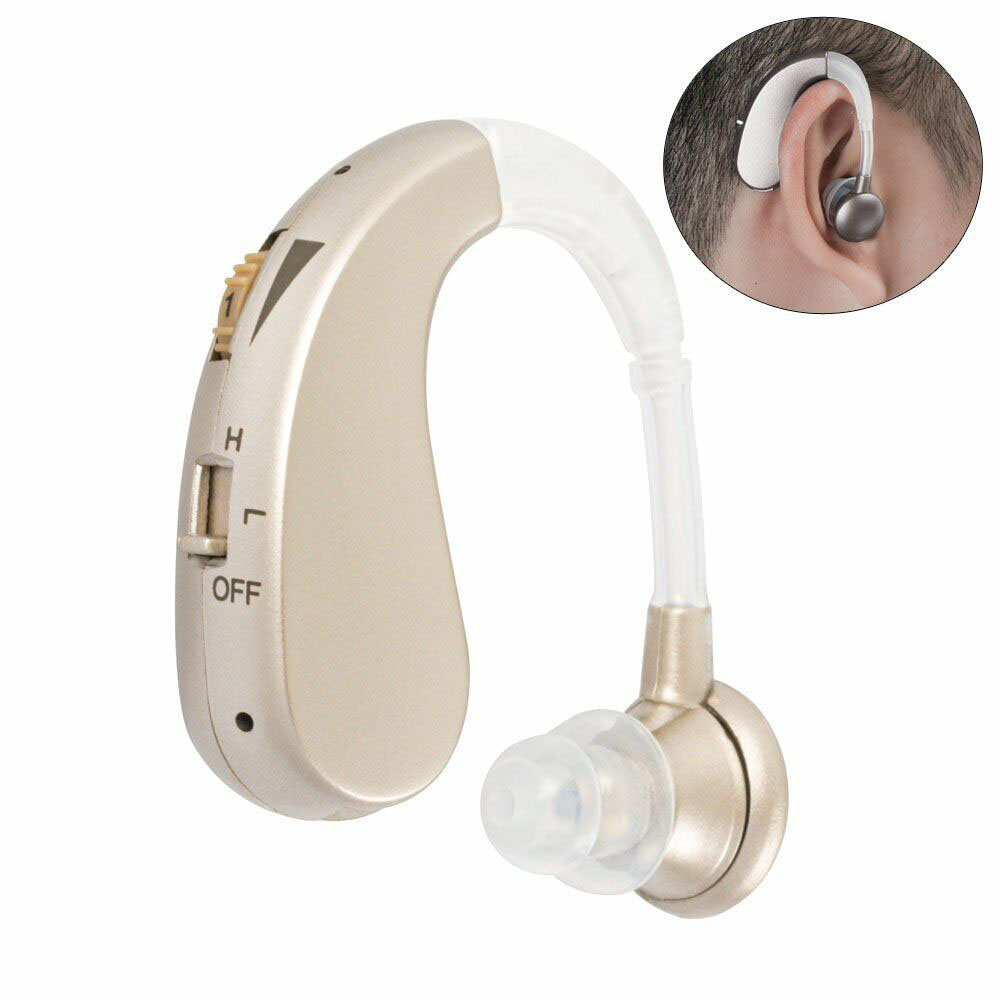
Our Digital Hearing Aids include many of these. We build them into every model.
Your Next Steps
Bluetooth problems frustrate everyone. But now you know what to do.
Start with simple fixes. Check batteries. Restart devices. Update apps.
Still stuck? Try advanced steps. Check interference. Update firmware. Look for damage.
Need professional aids? Consider our Rechargeable Hearing Aids. They offer:
- 30-hour battery life
- Strong Bluetooth connectivity
- Clear wireless sound
- Easy smartphone pairing
- Streaming that works
We offer OEM/ODM services too. Need custom aids? We build them. Want special features? We add them.
Remember This
Bluetooth hearing aid problems happen. They’re normal. You can fix most yourself.
Follow my steps. Be patient. Most issues solve quickly.
Quality aids have fewer problems. That’s why we test everything. Our ISO certification means reliability. Our experience means trust.
Your hearing loss shouldn’t limit you. Good connectivity gives freedom. Assistive technology improves life. Independent living stays possible.
Don’t let Bluetooth problems win. You deserve clear sound quality. You deserve aids that work.
Need help choosing? Our NEW hearing aids use the latest Bluetooth LE. They save power consumption. They extend battery drain time.
Fix your connection today. Your ears will thank you.
References: Bluetooth SIG Standards, ASHA Protocol Documentation, MFi Technical Specifications, Hearing Aid Manufacturer Guidelines